- Open the App – Launch the GOPKWIN Game on your device.
- Go to Wallet – Tap the wallet or deposit section in the app.
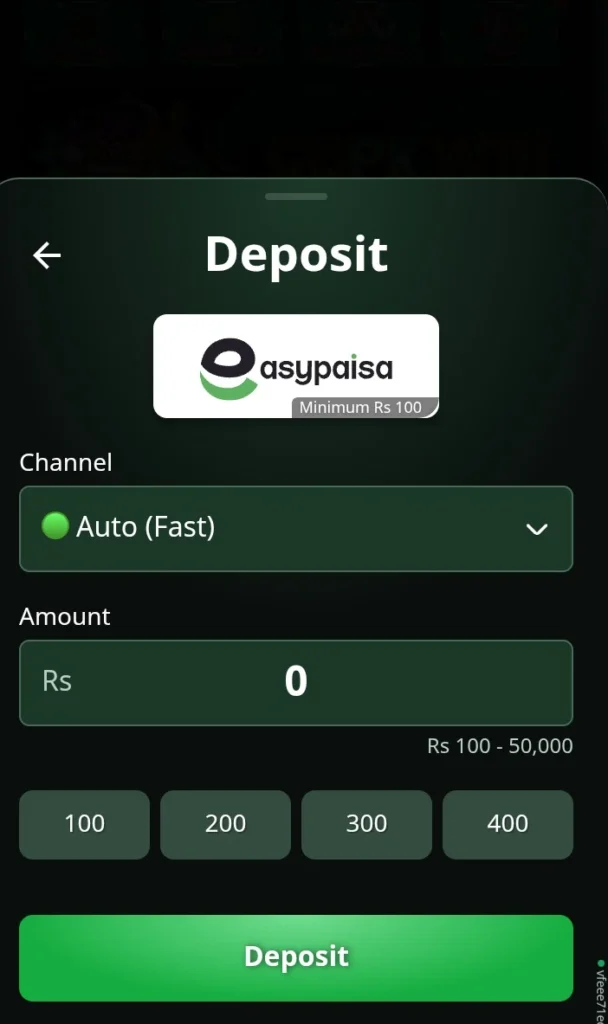
- Select Payment Method – Choose a local option like Easypaisa or JazzCash.
- Enter Amount – Type the amount you want to deposit.
- Confirm Payment – Check details and tap “Confirm” to add funds.
- Check Balance – Your deposited money will appear in your wallet instantly.